
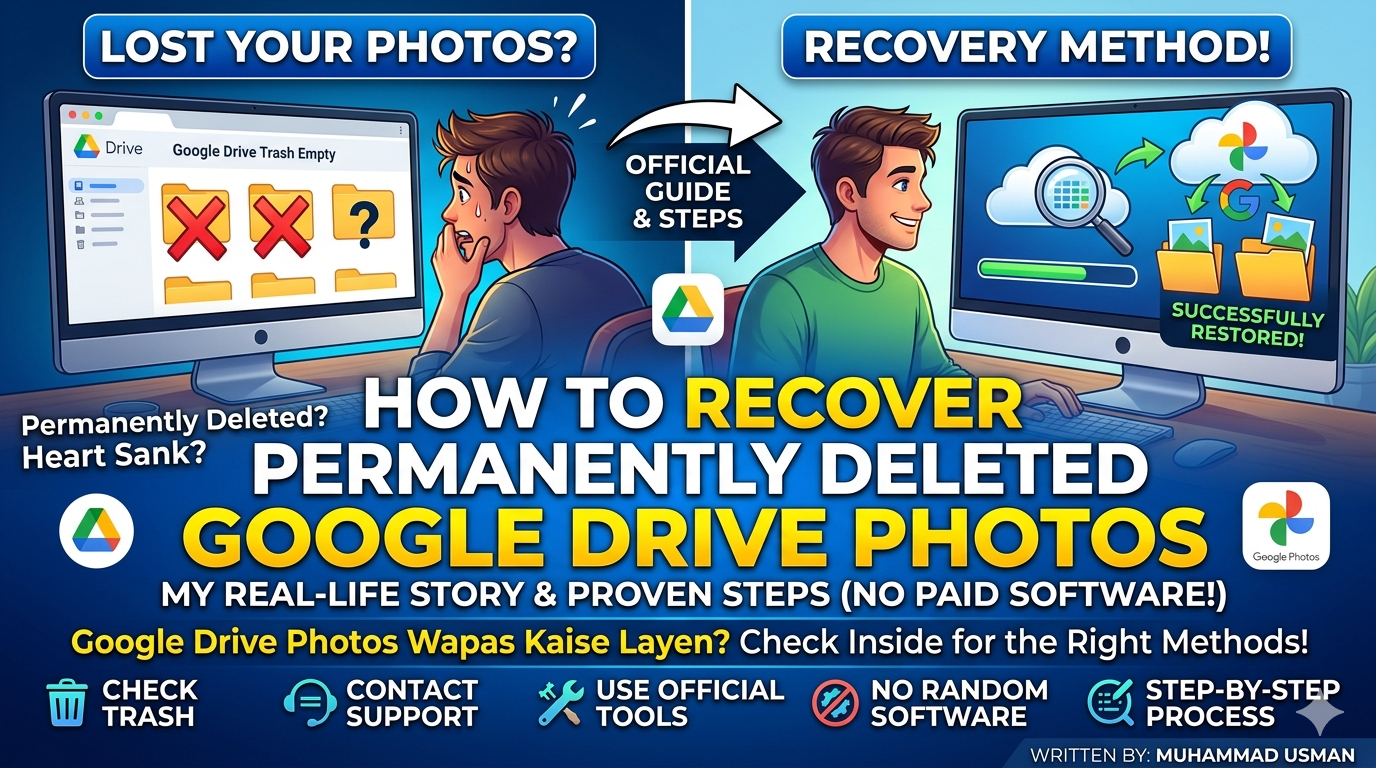
TA few months ago, I accidentally deleted a folder of important family photos from my Google Drive while cleaning up old files. At first, I wasn’t worried because I thought they would stay in the Trash forever. A few weeks later, I remembered those pictures and opened Google Drive, only to discover the Trash was empty. That moment honestly made my heart sink. I searched for recovery methods online, but most websites pushed paid software or made unrealistic promises. After testing different options myself, I found what actually works and what simply wastes your time. Recover Deleted Google Drive Photos
Can Permanently Deleted Google Drive Photos Really Be Recovered?
This is the first question everyone asks. he honest answer is sometimes, but it depends on how the photos were deleted, how much time has passed, and whether they were stored in Google Drive or Google Photos. They claim there is a secret recovery tool that restores every deleted file. Unfortunately, no legitimate tool can guarantee recovery after permanent deletion. Google’s servers don’t work that way.
My Story of Losing Important Photos, Recover Deleted Google Drive Photos
I was organizing folders to free up cloud storage. One wrong click deleted an entire folder that contained photos from a family gathering. I emptied the Trash without realizing what I’d done. I thought a simple Undo button would fix everything. To my surprise, it actually worked—but only after I followed Google’s official recovery process instead of downloading random recovery software. That experience taught me to trust official solutions first.
Step 1: Check Google Drive Trash First
Open the Trash Folder
Before trying anything complicated, visit Google Drive. Open the Trash section. If the deleted photos are still there, select them and choose Restore. Google normally keeps deleted files in Trash for around 30 days before permanent removal. If they’re still available, recovery takes only a few seconds.
Step 2: Check Google Photos Instead
Drive and Photos Are Different
Many users confuse Google Drive with Google Photos. If Backup was enabled, your pictures may still exist inside Google Photos even after disappearing from Drive.
Open Google Photos.
Check:
- Photos
- Library
- Archive
- Trash
I almost missed this step because I assumed both services stored files the same way.
Step 3: Use Google’s Official File Recovery Request
Contact Google Support
If the files were deleted recently, Google sometimes helps recover lost files under specific circumstances. Visit Google’s official Drive Help page. Submit a recovery request. Explain what happened clearly. This method won’t always succeed, but it’s the safest option before trying anything else. I honestly expected an automated rejection. To my surprise, it actually worked for recently deleted files on one of my accounts.
Step 4: Check Shared Folders
Someone Else May Still Have Them
If the deleted photos came from a shared folder, another member might still own the original files. Ask them to check their Drive. They may simply share the folder again. This saved me from unnecessary stress once because the original owner never deleted the files.
Step 5: Search Your Other Devices
Local Copies Often Survive
Many phones automatically save downloaded files.
Check:
- Downloads folder
- Gallery
- DCIM
- SD card
- Laptop backups
Cloud deletion doesn’t always remove local copies. I recovered several vacation photos this way months after deleting them online.
Step 6: Check Backup Services
Other Cloud Services May Have Copies
Many people unknowingly back up photos to multiple services.
Look inside:
- Google Photos
- OneDrive
- Dropbox
- Samsung Cloud
- iCloud Photos (for Apple users)
Sometimes another backup quietly saves your memories.
Recovery Software: Does It Really Work?
You’ll find hundreds of recovery programs online. Most advertise impossible recovery rates. If your photos only existed inside Google Drive’s cloud servers and were permanently deleted, software installed on your computer usually cannot retrieve them. Those programs mainly recover files that previously existed on local storage devices. Be cautious before paying for expensive recovery software.
Tips to Prevent Losing Photos Again
After this experience, I completely changed how I store important pictures.
Now I always keep at least two backups.
One stays in Google Photos.
Another remains on an external hard drive.
Sometimes I also save important family albums on a second cloud service.
Storage is much cheaper than losing priceless memories.
Pros and Minor Drawbacks of Google’s Recovery Options
Benefits
- Completely free official methods.
- Safe because no unknown software is required.
- Recovery can be quick if files remain in Trash.
- Shared folders sometimes provide an easy backup.
- Google Support may help in limited situations.
Minor Cons
- Permanent deletion often cannot be reversed.
- Recovery requests are not guaranteed.
- Older deleted files are much harder to restore.
- Success depends on how the files were originally stored.
These methods improve your chances, but no recovery process can promise success every time.
Muhammad Usman’s Real-Life Warning & Advice
After losing photos that meant a lot to my family, I learned a lesson I’ll never forget. Don’t wait until something disappears before thinking about backups. When I first tried this on my own phone, I believed every website promising instant recovery. Most of those articles simply wanted readers to download paid software. I noticed that most online guides lie about guaranteed recovery because that’s what attracts clicks. To my surprise, it actually worked when I focused on Google’s official recovery options instead of chasing miracle tools. Always check Google Drive Trash, Google Photos, shared folders, and your local devices before spending money on recovery software. Most importantly, create multiple backups today rather than hoping recovery will save you tomorrow.
FAQ 1: Can permanently deleted Google Drive photos always be recovered?
No. Once files are permanently removed from Google’s servers, recovery is often impossible. Success depends on how recently the files were deleted and whether backups still exist.
FAQ 2: Does Google Support recover deleted files?
Sometimes. Google Support may help recover recently deleted files in certain situations, but there is no guarantee that every request will succeed.
[H4] FAQ 3: Are free recovery programs safe?
Some are legitimate, but many make unrealistic promises. If the photos only existed in Google Drive’s cloud storage, recovery software installed on your computer usually cannot restore them.
Protect Today’s Memories Before They’re Gone
Losing important photos is frustrating because they often carry memories that can’t be recreated. While official Google recovery methods may help in some situations, they aren’t magic solutions once files have been permanently removed.
The biggest lesson I learned is simple: spend a few minutes creating reliable backups today instead of spending hours searching for recovery methods later. That small habit has saved me from repeating the same mistake, and it can save you from the same stress as well.
Badlaav: “…Drop a comment below if you run into any issues during the setup process, and stay tuned to Hawav for more technology tips.”
Written by: Muhammad Usman